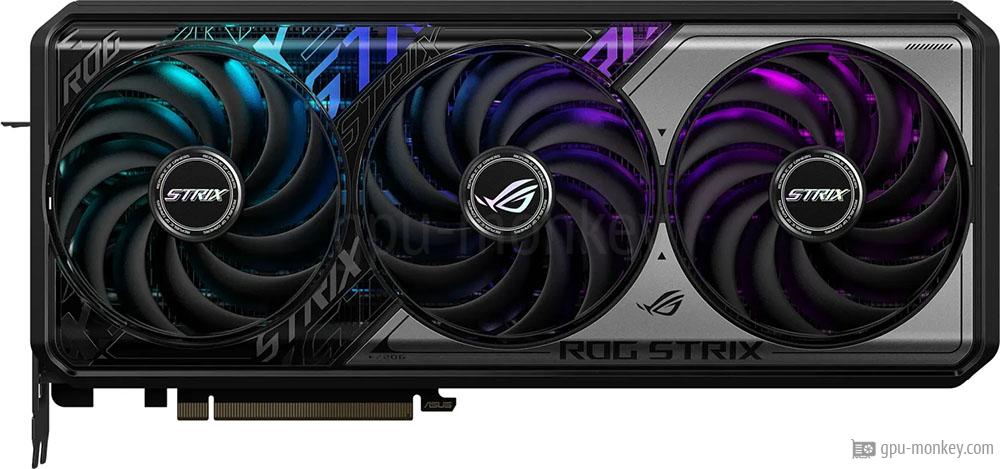
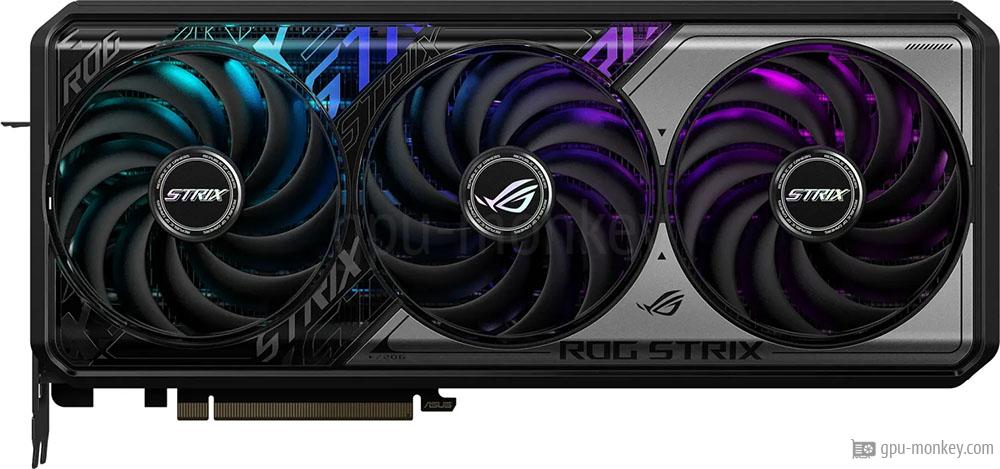
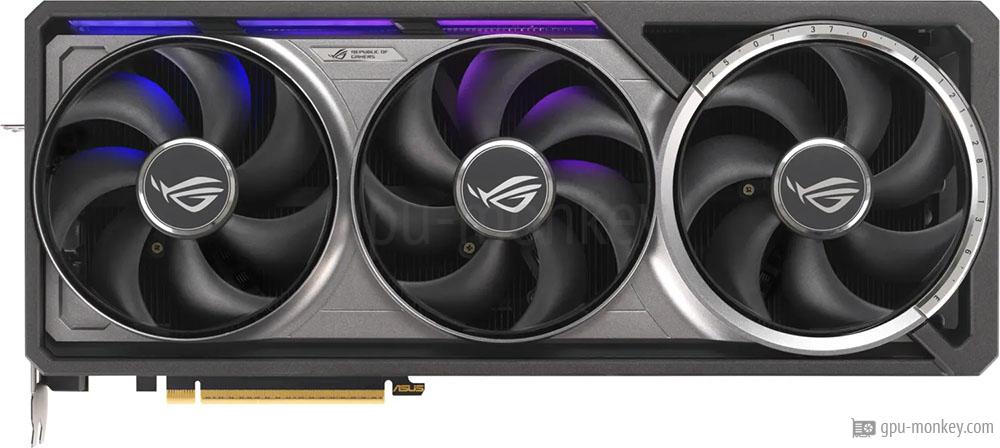
The ASUS ROG Strix GeForce RTX 5070 TI OC Edition is equipped with 70 execution and 8960 shader units. With single precision, a theoretical FP32 computing power of 41.13 TFLOPS is achieved.
- GPU Chip
- GB203-200-A1 (Blackwell)
- Streaming Multiprocessors
- 70
- Shader
- 8960
- Render Output Units
- 96
- Texture Units
- 280
- Raytracing Cores
- 70
The ASUS ROG Strix GeForce RTX 5070 TI OC Edition has a 256 bit wide memory interface, with which a memory bandwidth of 896 GB/s is achieved. In total, 16 GB GDDR7 graphics memory is available for the graphics card.
- Memory Size
- 16 GB
- Memory Type
- GDDR7
- Memory Clock
- 1.750 GHz
- Memory Speed
- 28.0 Gbps
- Memory bandwidth
- 896 GB/s
- Memory Interface
- 256 bit
The manufacturer specifies the memory clock of the ASUS ROG Strix GeForce RTX 5070 TI OC Edition with 2.295 GHz (base clock) or with 2.625 GHz (turbo clock). If overclocking is supported (see below), the clock rate can be increased even further.
- Base Clock
- 2.295 GHz
- Boost Clock
- 2.625 GHz+7 %
- Overclocking
- Yes
The ASUS ROG Strix GeForce RTX 5070 TI OC Edition has 1 x 16-Pin plugs, which supply the graphics card with energy. The maximum operating temperature of the card is 88 °C.
- TDP
- 300 W (Reference)
- Tjunction max
- 88 °C
- PCIe-Power
- 1 x 16-Pin
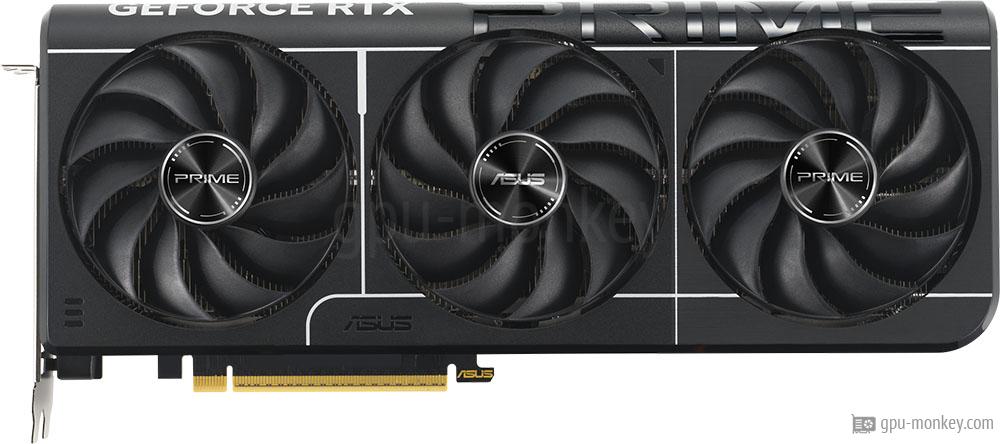
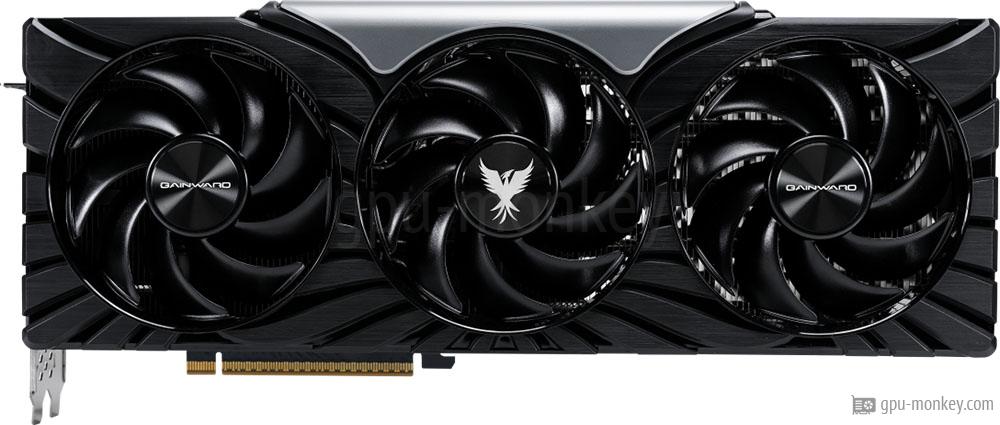
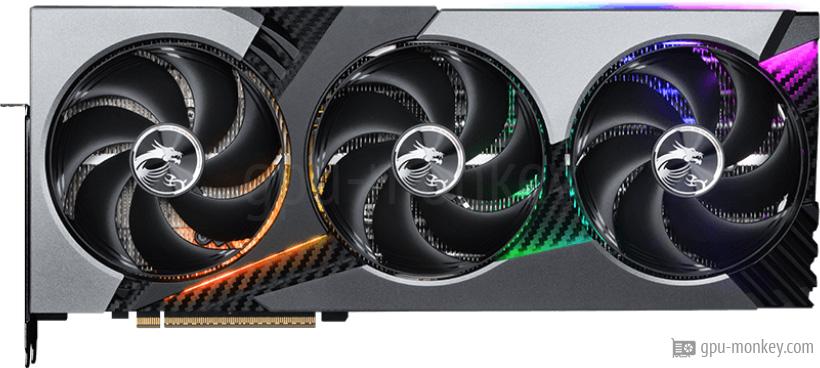
The ASUS ROG Strix GeForce RTX 5070 TI OC Edition is equipped with 3 Axial main fans, which are used to cool the graphics processor and graphics memory.
- Fan-Type
- Axial
- Fan 1
- 3 x 100 mm
- Cooler-Type
- Air cooling
- Noise (Idle)
- 0 dB / Silent
Up to 4 screens can be connected to the ASUS ROG Strix GeForce RTX 5070 TI OC Edition, whereby the backward-compatible HDCP copy protection is supported in the 2.3 version.
- Max. Displays
- 4
- HDCP
- 2.3
- HDMI
- 2x HDMI 2.1b
- DisplayPort
- 3x DP 2.1b
The ASUS ROG Strix GeForce RTX 5070 TI OC Edition supports a maximum resolution of 7680x4320 pixels and the DirectX standard version 12_2 (Ultimate).
- Max. resolution
- 7680x4320
- DirectX
- 12_2 (Ultimate)
- Raytracing
- Yes
- DLSS / FSR
- Yes
- LED
- ASUS Aura Sync
Here is a list of which video codecs can be decoded / encoded by the ASUS ROG Strix GeForce RTX 5070 TI OC Edition in hardware in order to minimize the processor load.
- h264
- Decode / Encode
- h265 / HEVC
- Decode / Encode
- VP8
- Decode / Encode
- VP9
- Decode / Encode
- AV1
- Decode / Encode
The dimensions of the ASUS ROG Strix GeForce RTX 5070 TI OC Edition are 332 mm in length, 147 mm in height and 64 mm in width. Thus 4 PCIe-Slots are needed in a case.
- Length
- 332 mm
- Height
- 147 mm
- Width
- 64 mm
- Width (Slots)
- 4 PCIe-Slots
- SFF-Ready
- No
The ASUS ROG Strix GeForce RTX 5070 TI OC Edition is manufactured in a structure width of 5 nm and has a PCIe 5 x 16 lanes interface. The graphics card was released in Q1/2025.
- GPU Interface
- PCIe 5 x 16
- Release date
- Q1/2025
- Launch Price
- 749 $ (Reference)
- Structure size
- 5 nm