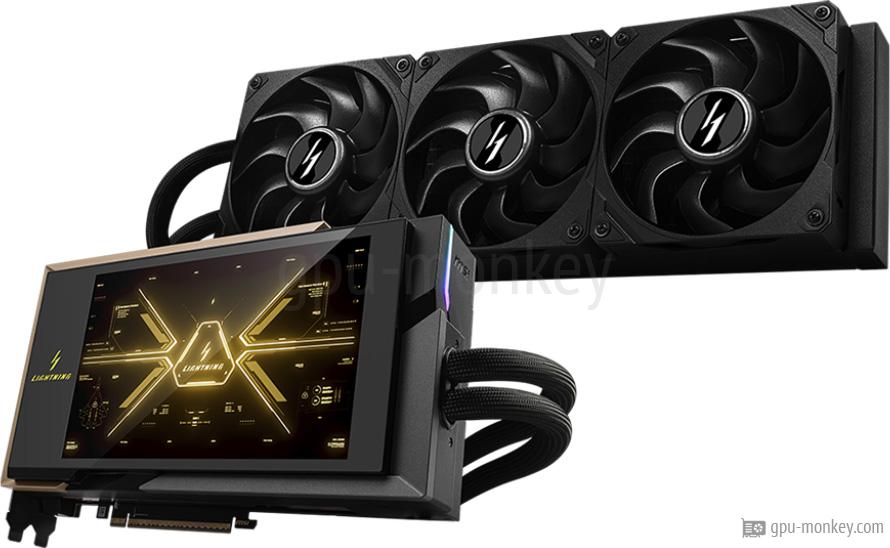
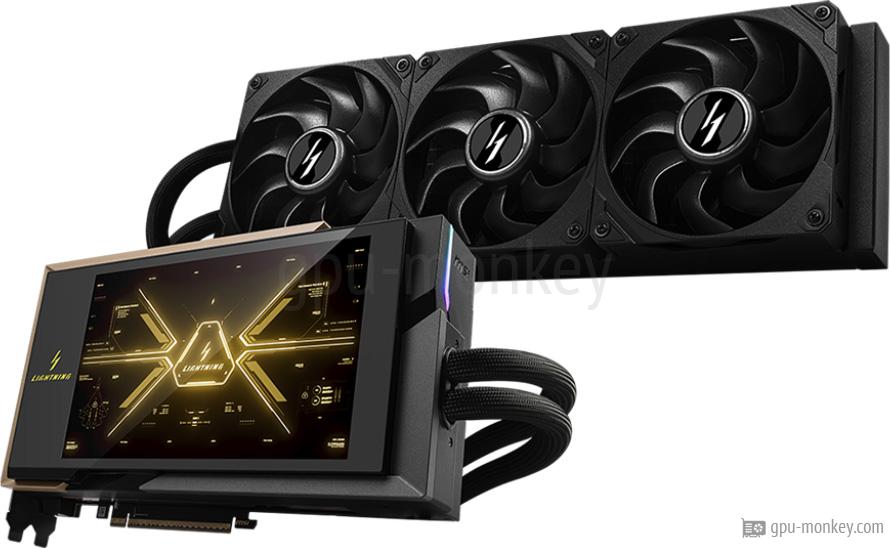
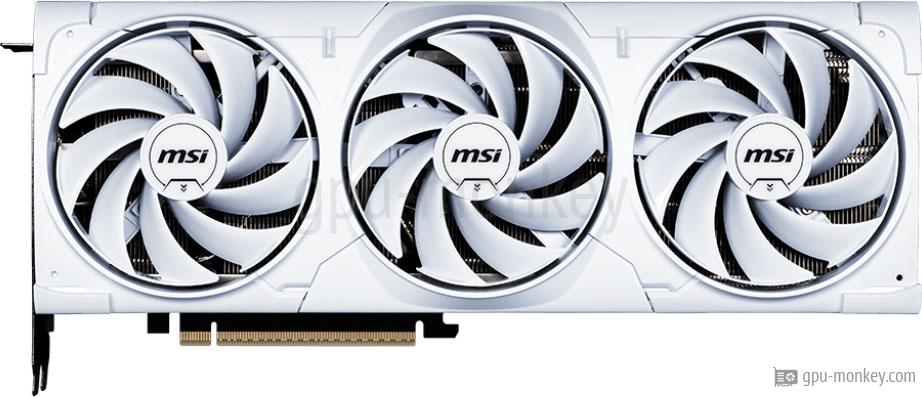
The MSI GeForce RTX 5090 LIGHTNING X is equipped with 170 execution and 21760 shader units. With single precision, a theoretical FP32 computing power of 111.68 TFLOPS is achieved.
- GPU Chip
- GB202-300-A1 (Blackwell)
- Streaming Multiprocessors
- 170
- Shader
- 21760
- Render Output Units
- 176
- Texture Units
- 680
- Raytracing Cores
- 170
The MSI GeForce RTX 5090 LIGHTNING X has a 512 bit wide memory interface, with which a memory bandwidth of 1792 GB/s is achieved. In total, 32 GB GDDR7 graphics memory is available for the graphics card.
- Memory Size
- 32 GB
- Memory Type
- GDDR7
- Memory Clock
- 1.750 GHz
- Memory Speed
- 28.0 Gbps
- Memory bandwidth
- 1,792 GB/s
- Memory Interface
- 512 bit
The manufacturer specifies the memory clock of the MSI GeForce RTX 5090 LIGHTNING X with 2.017 GHz (base clock) or with 2.565 GHz (turbo clock). If overclocking is supported (see below), the clock rate can be increased even further.
- Base Clock
- 2.017 GHz
- Boost Clock
- 2.565 GHz+7 %
- Overclocking
- Yes
The MSI GeForce RTX 5090 LIGHTNING X has 2 x 16-Pin plugs, which supply the graphics card with energy. The maximum operating temperature of the card is 90 °C.
- TDP
- 800 W+39 %
- TDP (up)
- 1000 W+67 %
- Tjunction max
- 90 °C
- PCIe-Power
- 2 x 16-Pin
The MSI GeForce RTX 5090 LIGHTNING X is equipped with 3 Axial (Radiator) main fans, which are used to cool the graphics processor and graphics memory.
- Fan-Type
- Axial (Radiator)
- Fan 1
- 3 x 120 mm
- Cooler-Type
- Air cooling
- Noise (Idle)
- 0 dB / Silent
Up to 4 screens can be connected to the MSI GeForce RTX 5090 LIGHTNING X, whereby the backward-compatible HDCP copy protection is supported in the 2.3 version.
- Max. Displays
- 4
- HDCP
- 2.3
- HDMI
- 1x HDMI 2.1b
- DisplayPort
- 3x DP 2.1b
The MSI GeForce RTX 5090 LIGHTNING X supports a maximum resolution of 7680x4320 pixels and the DirectX standard version 12_2 (Ultimate).
- Max. resolution
- 7680x4320
- DirectX
- 12_2 (Ultimate)
- Raytracing
- Yes
- DLSS / FSR
- Yes
- LED
- MSI Mystic Light
Here is a list of which video codecs can be decoded / encoded by the MSI GeForce RTX 5090 LIGHTNING X in hardware in order to minimize the processor load.
- h264
- Decode / Encode
- h265 / HEVC
- Decode / Encode
- VP8
- Decode / Encode
- VP9
- Decode / Encode
- AV1
- Decode / Encode
The dimensions of the MSI GeForce RTX 5090 LIGHTNING X are 260 mm in length, 151 mm in height and 61 mm in width. Thus 3 PCIe-Slots are needed in a case.
- Length
- 260 mm
- Height
- 151 mm
- Width
- 61 mm
- Width (Slots)
- 3 PCIe-Slots
- SFF-Ready
- No
The MSI GeForce RTX 5090 LIGHTNING X is manufactured in a structure width of 5 nm and has a PCIe 5 x 16 lanes interface. The graphics card was released in Q1/2026.
- GPU Interface
- PCIe 5 x 16
- Release date
- Q1/2026
- Launch Price
- 2,329 $ (Reference)
- Structure size
- 5 nm